Enjoy the trip
Set location access to Always on first use. Meguri records visits and time spent in the background so you can revisit your timeline and map.
MEGURI · YOUR JOURNEY, REMEMBERED
No check-ins. Meguri records your visits automatically, helps you reflect with on-device AI, and brings photos back together with the places you visited.
iPhone & iPad · iOS 26+ · AI generation requires an Apple Intelligence-compatible device and settings
Set location access to Always on first use. Meguri records visits and time spent in the background so you can revisit your timeline and map.
On supported devices, Apple Intelligence turns your places, time spent and notes into a reflection. Summarize a day, week, month, year or a chosen period.
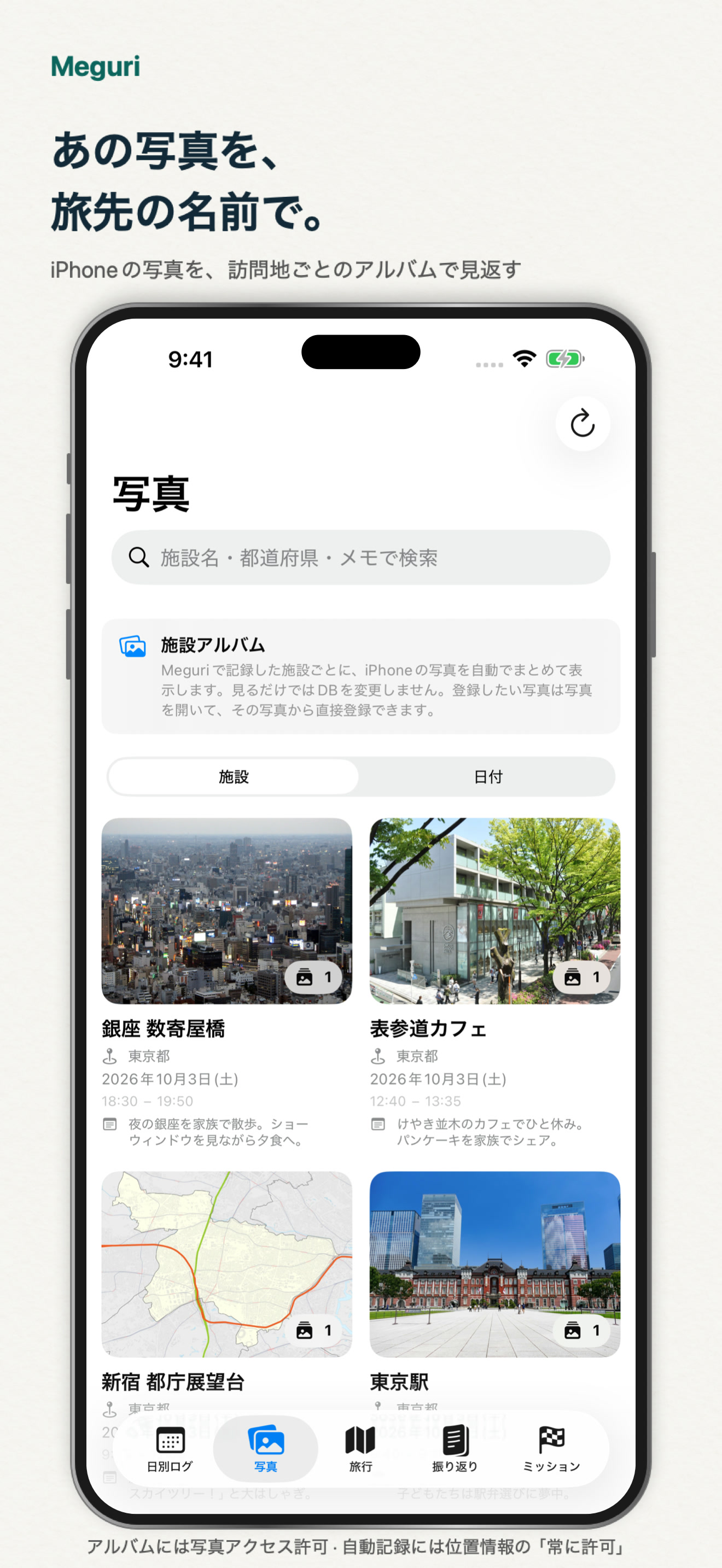
Photo dates and GPS are matched with recorded visits. Browse photos grouped by the places you visited.
Choose Always to enable background visit recording.
No check-ins. Add notes or photos when you want to remember a detail.
Explore daily logs, reflections and place-based photo albums. Photo access is required for album matching.
Actual Japanese app screens with sample data. AI output is an example, not a promised result.
Visit recording and photo browsing still work. AI generation requires a supported device with Apple Intelligence enabled. Record-based summaries are used when AI is unavailable.
Albums match photo dates and GPS to your visits. Browsing does not save photos or matches to the database. You choose photos to register.
Visits, notes and registered photos are saved in the local device database. Library photos are matched for viewing. Supported AI generation runs on device.
Meguri uses iOS visit and location-change detection. Recording depends on movement, time spent and iOS behavior, and can affect battery usage.
Reflections can be exported as newspaper-style PDFs. Recorded visits also show progress across Japan’s 47 prefectures.
iPhone & iPad · iOS 26+ · AI generation requires an Apple Intelligence-compatible device and settings